Controls & Platform Guide
How to Fish offers full controller support alongside keyboard and mouse, with compatibility across DualShock, DualSense, and standard gamepads. Here's how to get set up on your platform of choice.
Supported Platforms & Input Devices
How to Fish is available on Steam with full controller support. The game officially supports DualShock controllers (PS4), DualSense controllers (PS5), and standard PC gamepads in addition to keyboard and mouse.
The physics-based fishing mechanics may feel different depending on your input method. Controller players benefit from analog stick precision for casting angles, while keyboard and mouse players may find quicker menu navigation and camera control.
| Input Device | Casting Control | Camera | Menu Navigation |
|---|---|---|---|
| Keyboard & Mouse | Mouse aim + click | Mouse | Keyboard shortcuts |
| DualShock (PS4) | Left stick + trigger | Right stick | D-pad / buttons |
| DualSense (PS5) | Left stick + trigger | Right stick | D-pad / buttons |
| Generic Gamepad | Left stick + trigger | Right stick | D-pad / buttons |
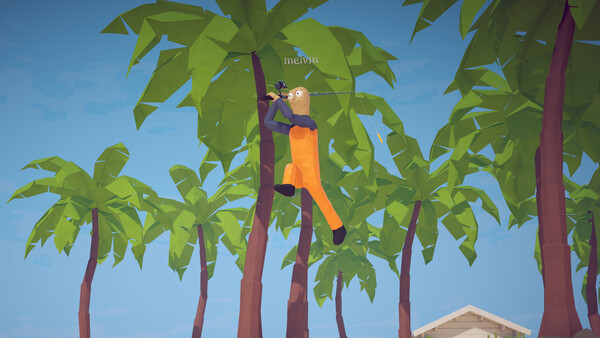
Casting Controls
The core mechanic in How to Fish is the physics-based cast. You'll need to aim your rod, set the power of your throw, and release at the right moment. On controller, this typically involves the left stick for aiming and a trigger for power and release.
Practice is key — the physics system means your cast arc, distance, and accuracy are all affected by your input timing. Spend time on the starter island getting comfortable with the feel before heading to more challenging waters.
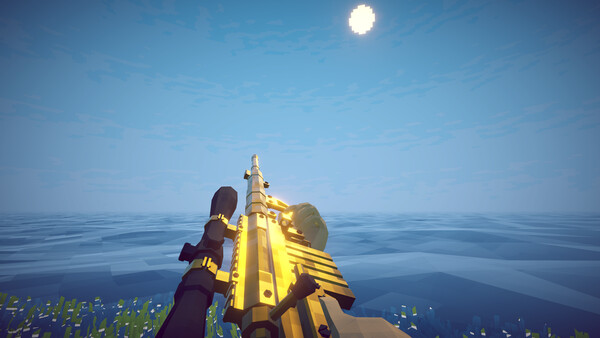
Audio & Accessibility Options
The game includes custom volume controls and stereo sound support, letting you fine-tune the audio experience. You can adjust music, sound effects, and potentially voice volumes independently.
The Save Anytime feature is a welcome accessibility option, meaning you never have to worry about losing progress. Whether you're playing a quick 10-minute session or a marathon co-op night, you can save and quit whenever you need to.
- Custom volume controls for individual audio channels
- Stereo sound support
- Save Anytime — no progress loss
- Full controller support for accessibility
- Family Sharing enabled for household access
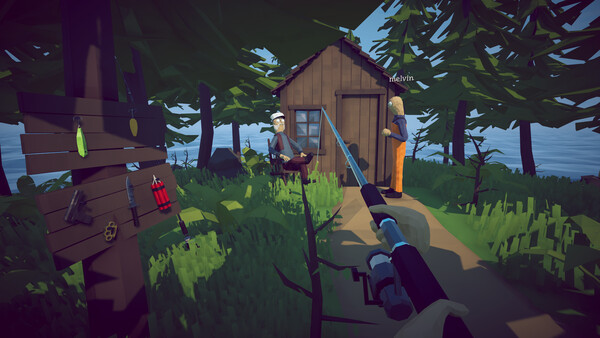
Troubleshooting Common Issues
If your controller isn't being recognized, make sure Steam's controller support is enabled in Big Picture Mode settings. DualShock and DualSense controllers may require Steam Input to be configured properly.
For co-op connection issues, verify that all players are on the same game version and that your network allows Steam's multiplayer traffic. Restarting the game and reinviting players usually resolves most session problems.