Mods Guide
Interested in modding How to Fish? While the game is relatively new, here's what we know about modding possibilities and community creations for this physics-based fishing sim.
Current Modding Status
As of its August 2026 release, How to Fish does not have an official modding SDK or Steam Workshop support announced. However, many indie games on Steam eventually add mod support based on community demand, so this may change in the future.
The game's physics-based engine and island structure lend themselves well to potential modding — custom islands, new fish species, and gameplay tweaks are all realistic possibilities if official tools become available.
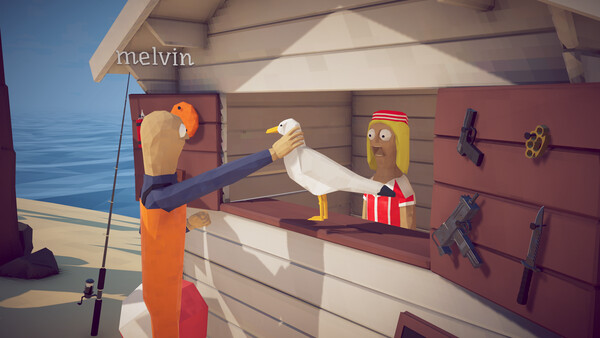
Community Resources
Keep an eye on the game's Steam Community hub and any official Discord server for modding discussions. The indie development community is often supportive of modders, and developers may share technical information that helps aspiring modders get started.
If you're interested in modding, joining the game's community early is the best way to stay informed about any official modding support announcements.
- Check the Steam Community hub for modding discussions
- Join the official Discord (if available) for developer updates
- Watch for Steam Workshop integration announcements
- Follow the developer's social media for modding news
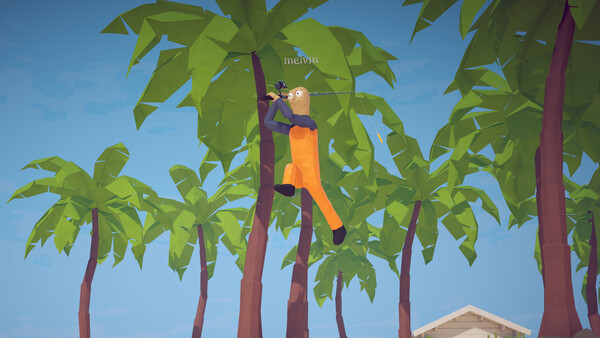
What Mods Could Look Like
Based on the game's structure, potential mods could include custom islands with unique fishing challenges, new fish species and rare variants, custom gear and weapons, or gameplay balance tweaks.
Cosmetic mods — like custom character skins or boat designs — are another popular category for games like this. The game's humorous tone makes it a natural fit for creative and silly community additions.
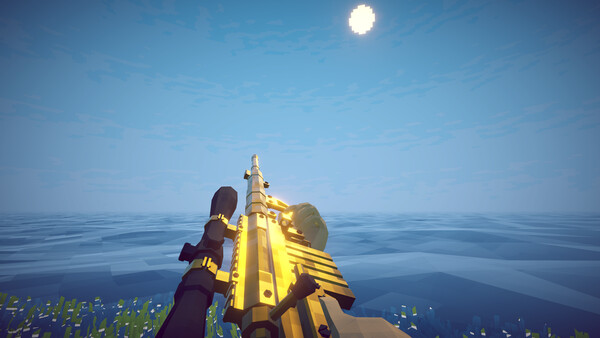
Modding Tips for Beginners
If you're new to game modding, start by exploring the game's file structure to understand how assets are organized. Look for configuration files that might be easily editable without deep programming knowledge.
Always back up your game files before attempting any modifications. You can verify your game files through Steam to restore the original version if anything goes wrong.